rvplb2 Bitte warten ...
rvplb2 Ihre Daten werden verarbeitet.
rvplb2 Ihre Daten werden verarbeitet.

Setting up digital equipment for VET schools
Description
Date of creation
11.09.2025
Last updated
27.11.2025
Information
Media
No files and documents are available for this task.
Results
No results are available for this task.
Subtasks
Read

Introduction ICT
Read

MODULE 1: Choosing the Right Educational Devices
Identify the educational tasks that a device should enable
Analyse the actual power and maintenance conditions at your centre
Compare different categories of devices
Define the minimum requirements that the device must meet
PRACTICAL ACTIVITY: Comparing Real Devices for Your School
REFLECTION: Thinking Critically About Your Choice

MODULE 2: Connectivity in Schools
Understanding the available connectivity options
Understanding the basic devices in a school network
Understanding basic security in a school network
PRACTICAL ACTIVITY: Analizar la conectividad de tu escuela
REFLECTION: Thinking about real connectivity

MODULE 3: Network Essentials and Security
Understanding the basic elements of a school network
How connections work within the network
Introduction to security in educational networks
PRACTICAL ACTIVITY: Draw a map of your classroom network
REFLECTION: Raising awareness of the importance of security
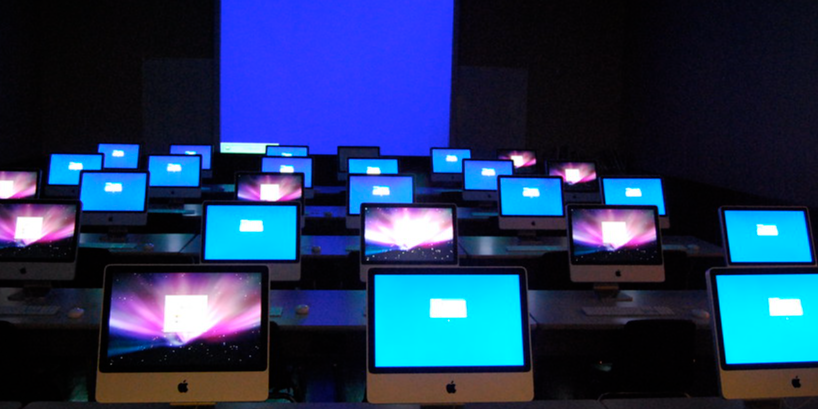
MODULE 4: Planning the ICT Classroom
Organising the physical space
Locate the key elements: router, projector, cabinet, and charging points
Establish basic safety and usage rules
PRACTICAL ACTIVITY: Draw the ideal layout for your ICT classroom
REFLECTION: Thinking about space as a teaching tool

MODULE 5: Setup, Maintenance and Basic Troubleshooting
Prepare the devices for their first use
Organise simple maintenance routines
Solving basic problems without technical support
PRACTICAL ACTIVITY: Solving a simulated problem
REFLECTION: Building confidence in technology management

MODULE 6: Good Practices and Final Evaluation
Establish good practices for daily use
Assign roles among students
Create your ‘5 Golden Rules’ for the ICT classroom
FINAL EVALUATION: Review of what you have learned
REFLECTION: Looking ahead
Confirm
Eintrag wirklich löschen?